

Losing a smartphone can be stressful, especially when the device contains personal photos, messages, banking apps, work accounts, and other sensitive information. If your phone has been lost or stolen, one useful step is to report its IMEI number in the IMEI.info Lost/Stolen Database. This creates a visible record that the device is no longer safely in the owner’s possession and may help with identification or recovery.
What Does It Mean to Report a Phone as Lost or Stolen?
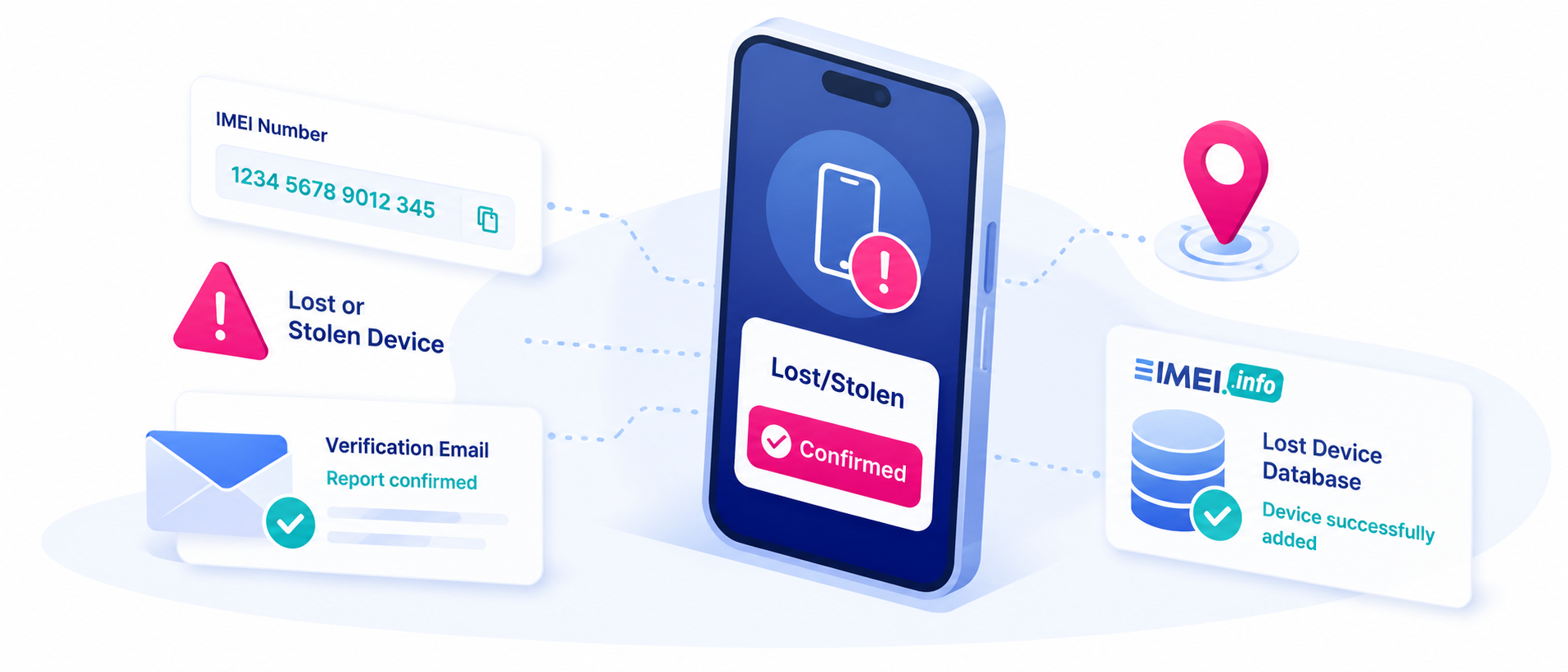
Reporting a smartphone as lost or stolen means adding information about the missing device to a database connected with its IMEI or serial number.
The IMEI, or International Mobile Equipment Identity, is a unique identification number assigned to a mobile device. It can help identify the smartphone even when the SIM card has been removed or replaced.
On IMEI.info, users can submit information such as:
- IMEI and optional IMEI 2
- Serial number
- City and country where the device was lost
- Contact email and phone number
- Incident date
- Description of the situation
- Optional reward amount
The report must then be verified through email before it becomes active.
When Is a Lost/Stolen Report Useful?
There are several situations where reporting a smartphone may be helpful.
Your phone was lost in a public place
You may have left your smartphone in a taxi, airport, restaurant, hotel, train, shopping center, or other public location. Adding it to the lost device database can help identify it if someone later checks its IMEI.
Your smartphone was stolen
If the device was taken during a theft or pickpocketing incident, reporting the IMEI creates an additional record showing that the phone has been reported as missing.
You want to warn potential buyers
A stolen smartphone may eventually appear on the second-hand market. A lost/stolen status can warn someone checking the device that there may be an ownership problem.
You want to offer a reward
IMEI.info also allows users to provide a reward amount in US dollars and contact information that may help with returning the device.
Why Should You Report a Missing Smartphone?
A lost or stolen phone can create several risks for its owner. Apart from the value of the device itself, smartphones often contain private photos, email accounts, social media profiles, payment applications, documents, and saved passwords.
Reporting the device helps create a clear record connected with its IMEI. It can also make the phone’s history more transparent for anyone who checks it later.
However, an IMEI.info lost/stolen report should be treated as one part of a broader security response. You should also consider remotely locking the phone, using Apple Find My or Google Find My Device, contacting your mobile carrier, changing important passwords, and reporting theft to local authorities when appropriate.
How to Report a Lost or Stolen Phone on IMEI.info
The reporting process is simple.
- Open the IMEI.info website.
- Enter the IMEI number of the missing smartphone.
- Click Check IMEI and verify that the displayed device information matches your phone.
- Scroll down and select Lost Device Add.
- Complete the report form with available information, including IMEI, serial number, location, contact details, incident date, and description.
- If your phone uses two SIM slots, you can also provide IMEI 2.
- Enter the incident date using the YYYY-MM-DD format.
- Accept the required confirmation boxes.
- Click Report Lost/Stolen IMEI.
- Open the verification message sent to your email address and select Verify your request.
After verification, the device should be registered in the IMEI.info Lost/Stolen Database.
How to Check the Lost/Stolen Status
To confirm that the report was added successfully, use the Lost Device Check available on IMEI.info.
Enter the smartphone’s IMEI, IMEI 2, or serial number and run the check. If the report is active, the device should appear as reported lost or stolen.
Remember that reporting a phone on IMEI.info is not necessarily the same as a carrier-level network blacklist. If you also want to restrict cellular use of the phone, contact your mobile operator.
Final Thoughts
If your smartphone is lost or stolen, acting quickly can help protect your device, data, and ownership rights. By using the IMEI.info Lost Device Add feature, you can register the phone’s IMEI, provide recovery information, verify the report, and make its lost/stolen status visible in the database.
Combined with carrier assistance, remote device locking, password changes, and official theft reporting, this can form an important part of your response to a missing smartphone.


Recent Comments