

When activating a SIM, moving your mobile service to another phone, or asking a carrier for support, you may be asked for an ICCID or EID. The two identifiers are related to mobile connectivity, but they describe different things. Knowing where to find them can make SIM and eSIM setup much easier.
What Is an ICCID?
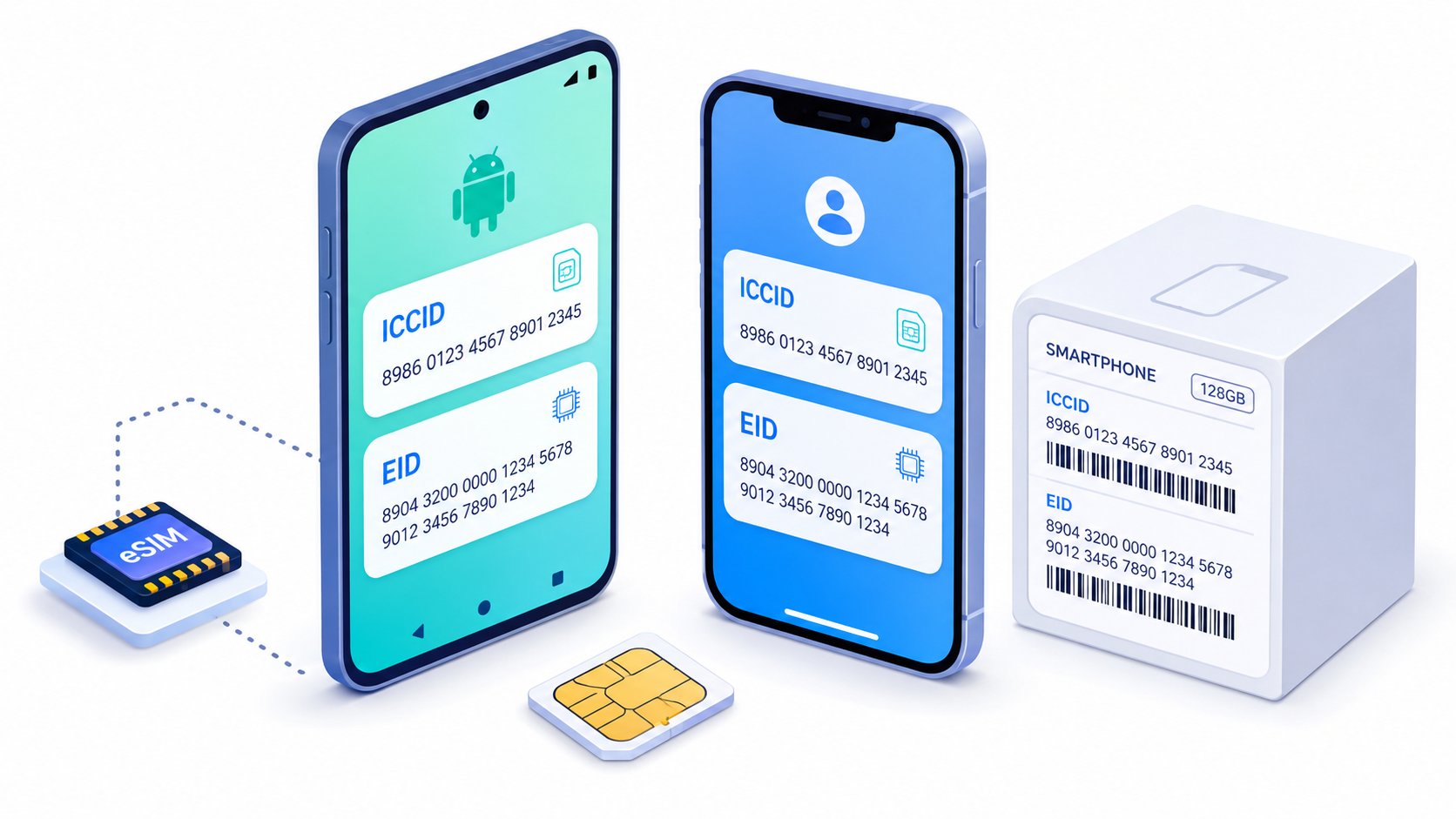
ICCID stands for Integrated Circuit Card Identifier. It is the unique serial number assigned to a physical SIM card or to an individual eSIM profile. In other words, it identifies the subscription profile rather than the phone itself. A full ICCID normally contains 19 or 20 characters and often begins with 89, the telecommunications industry identifier.
You may need the ICCID when activating a SIM, transferring service, checking SIM information, or resolving a problem with your mobile operator. If a phone supports several SIMs or eSIM profiles, each profile can have a different ICCID.
What Is an EID?
EID is the unique 32-digit identifier of an eUICC—the secure component that stores and manages eSIM profiles. Unlike an ICCID, which identifies one SIM profile, the EID identifies the embedded eSIM hardware. Carriers use it when downloading, activating, or managing an eSIM remotely.
Do not confuse either number with the IMEI. The IMEI identifies the cellular device, the EID identifies its eUICC, and the ICCID identifies a SIM card or eSIM profile.
How to Find ICCID and EID on an Android Phone
Android menus differ by manufacturer and software version. Start by opening Settings, then select About phone. Look for SIM status, Status information, or a similarly named section. The ICCID may appear as SIM card status, SIM serial number, or ICCID. On eSIM-compatible phones, the EID is usually shown in the same area.
For example, on Google Pixel phones, the official path for the EID is Settings > About phone > SIM status. If the number is not displayed, check the phone’s original box or consult the manufacturer’s support page. The ICCID of a physical SIM may also be printed directly on the card or its larger plastic holder.
How to Find ICCID and EID on an iPhone
On an iPhone, open Settings, choose General, and tap About. Scroll down until you see the ICCID and, on eSIM-capable models, the EID. Touch and hold an identifier if you want to copy it instead of entering a long sequence manually.
If you cannot access the iPhone, Apple also lists the original packaging as a place where the EID may be printed. Some identifiers can also be viewed through Finder on a Mac, or through the Apple Devices app or iTunes on a Windows PC.
What Can You Do With an ICCID?
Once you have the complete ICCID, an online ICCID checker can decode basic issuer-related information. The ICCID Checker available on IMEI.info can identify the associated country and international calling code. Results are most reliable when you enter the full number rather than only the shortened sequence sometimes printed on a SIM.
Treat ICCID and EID as sensitive account and device identifiers. They do not reveal your live location, but you should share them only with your carrier or another trusted service when necessary.


Recent Comments