

Before buying a used Motorola phone, arranging a repair, or checking whether coverage may still be active, it is useful to review the device’s warranty and country information. You can do this online with the phone’s IMEI—a unique 15-digit identifier assigned to cellular equipment. The process takes only a few minutes and does not require opening the phone.
What Can a Motorola IMEI Check Tell You?
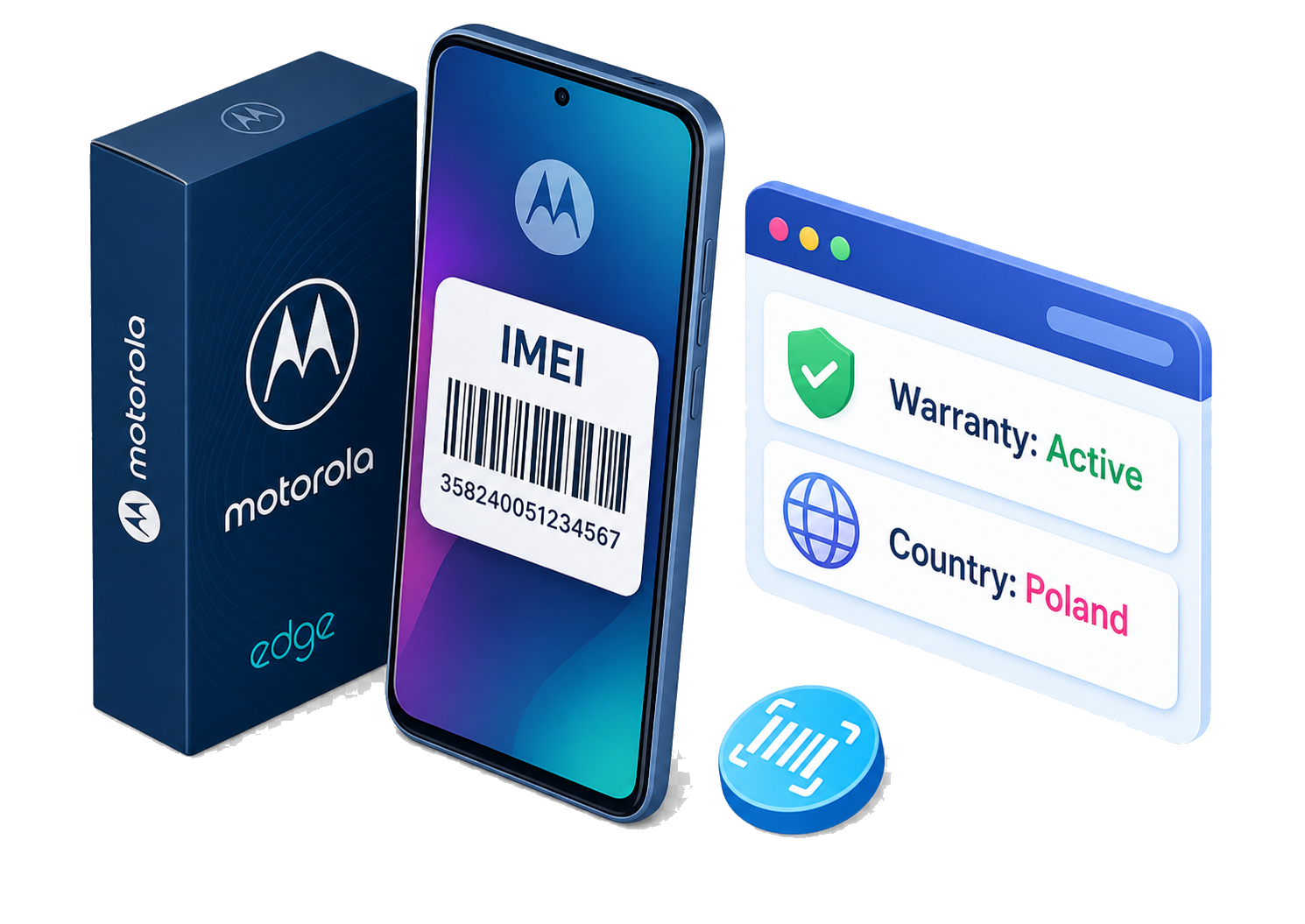
An IMEI check can identify the device associated with the number and provide available manufacturer-related information. The Motorola Warranty & Country Check demonstrated in the video focuses on two practical details: the phone’s warranty status and its associated country or market.
This information can be helpful when evaluating a second-hand device, confirming that the phone matches a seller’s description, or deciding whether to contact Motorola about a repair. Remember that the country shown in a report normally refers to the device’s original market or sales information. It does not reveal the owner’s nationality or the phone’s current location.
How to Find the IMEI on a Motorola Phone
The video presents three convenient methods. The quickest option is to open the Phone app and enter *#06#. The IMEI should appear automatically, without placing a call.
You can also open Settings, choose About phone or About device, and locate the IMEI section. Menu names can vary slightly between Motorola models and Android versions. A dual-SIM Motorola may display two IMEI numbers because each cellular slot or radio identity can have its own number. Make sure you copy the complete 15-digit IMEI you intend to check.
If the phone cannot be switched on, inspect its original packaging. The barcode label on the box commonly includes the IMEI. Some Motorola models may also have the number printed on the SIM tray. Never use a number from a replacement box that cannot be reliably matched to the device.
How to Run the Motorola Warranty and Country Check
Once you have the IMEI, open IMEI.info in a browser. Enter the number in the field on the homepage and select Check IMEI. After the basic device information appears, scroll through the available services and choose Motorola Warranty & Country Check. In the video, this option is available among the basic free checks.
Select the check button and wait for the report to load. The result can indicate the warranty status and country information available for that Motorola IMEI. Depending on the current service and device, additional basic or advanced checks may also be offered. Availability and the exact fields shown can change, so review the service description before ordering any optional paid report.
How to Interpret the Result
An “in warranty” result suggests that the manufacturer’s coverage period recorded for the device has not yet ended. It does not guarantee that every repair will be free. Accidental damage, liquid exposure, unauthorized modifications, or missing proof of purchase may not be covered under the applicable warranty terms.
For a formal repair claim, confirm the result through Motorola’s support portal and retain the original purchase receipt. Motorola’s official warranty lookup also accepts an IMEI or serial number, but coverage conditions vary by country, seller, and product.
Finally, treat the IMEI as a device identifier. Avoid posting it publicly or including it in marketplace photographs. Enter it only on trusted checking and manufacturer-support websites.


Recent Comments