

If you are setting up an eSIM, changing mobile carriers, troubleshooting activation problems, or simply checking whether your smartphone supports eSIM technology, you may need to find your EID number. Both iPhone and Android devices can display this identifier, although its location may differ depending on the operating system and phone manufacturer.
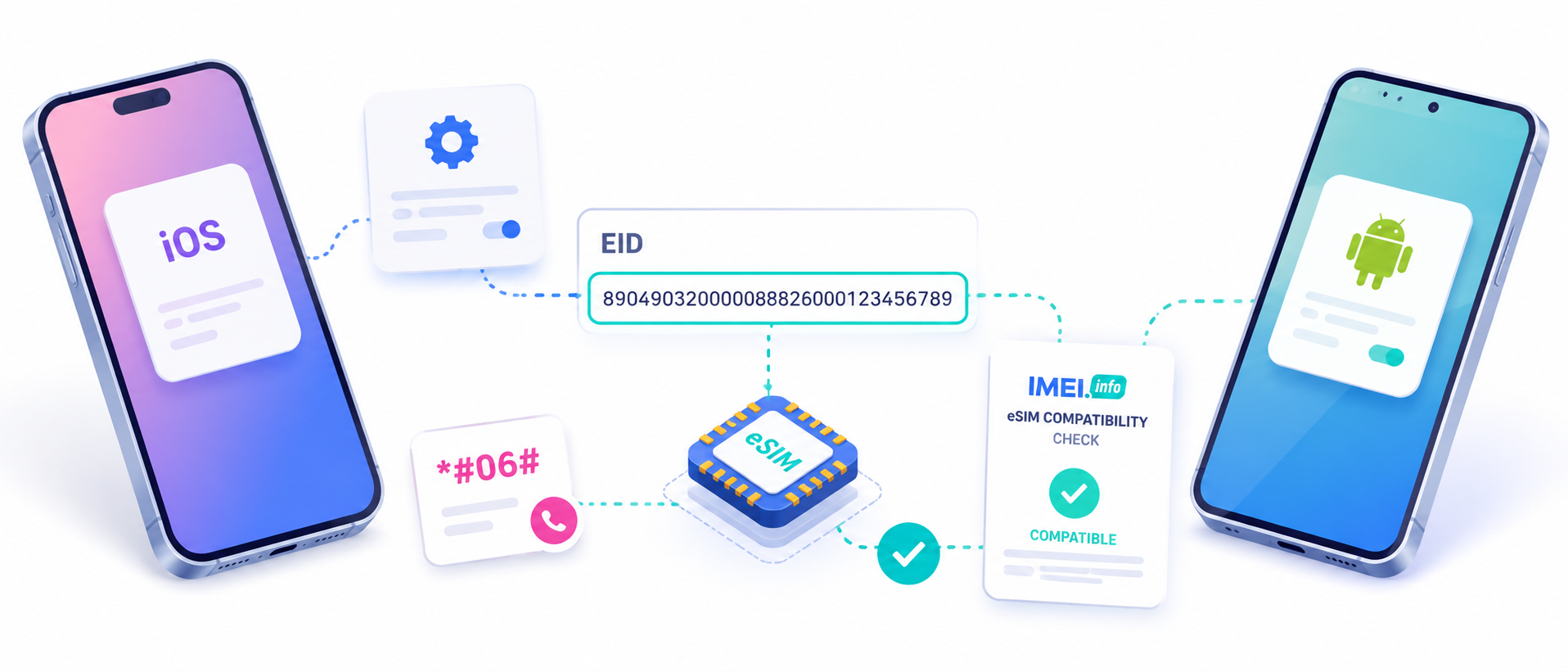
What Is an EID Number?
EID stands for Embedded Identity Document and is a unique identifier assigned to the eSIM hardware built into a compatible smartphone. It plays an important role in identifying the device’s embedded SIM and allowing mobile carriers to correctly provision and manage eSIM profiles.
An EID is different from an IMEI. The IMEI identifies the mobile device, while the EID identifies its embedded SIM component. A phone supporting eSIM may therefore have an IMEI, IMEI2, EID, and other identifiers such as an ICCID associated with an active mobile plan.
When Might You Need Your EID?
There are several common situations where finding the EID can be useful.
Activating an eSIM
Some carriers may request the EID when activating a new eSIM plan. The number helps the operator identify the correct embedded SIM hardware and provision the mobile profile to your phone.
Troubleshooting eSIM Problems
If an eSIM cannot be installed or activated, customer support may ask for your EID together with your IMEI and account information. Having these identifiers ready can make troubleshooting easier.
Switching Mobile Carriers
When moving your mobile number or eSIM profile to another network, the new carrier may require device information, including the EID.
Checking eSIM Support
Finding an EID on your device is also a strong indication that the smartphone contains eSIM hardware. This can be useful if you are unsure whether a particular phone supports eSIM.
Why Is the EID Important?
The EID is closely connected with eSIM provisioning. Unlike a traditional physical SIM card that can simply be removed and inserted into another phone, an eSIM is integrated into the device.
Mobile operators use device identifiers to make sure that an eSIM profile is assigned to the correct smartphone. This is why the EID can become important during activation, carrier changes, technical support, or eSIM configuration.
Knowing where to find it can save time when setting up mobile service, especially when traveling and installing a local or international eSIM.
How to Check EID on an iPhone
The easiest way to find the EID on an iPhone is through Settings:
- Open Settings.
- Select General.
- Tap About.
- Scroll down until you find EID.
- Touch and hold the number if you want to copy it.
On compatible devices, the EID appears together with other identification details such as IMEI and ICCID.
Another quick method is to open the Phone app and dial:
*#06#
On supported devices, a screen containing device identifiers may appear, including the EID.
How to Check EID on Android
The exact menu names can vary between Android manufacturers, but the typical method is:
- Open Settings.
- Go to About phone.
- Open SIM status, Status information, or a similar section.
- Look for EID or eSIM information.
On Samsung, Google Pixel, and other eSIM-compatible Android phones, the EID can usually be found within phone or SIM information.
You can also try dialing *#06#. Many compatible Android phones display the EID together with the IMEI numbers.
How Can IMEI.info Help?
If you are unsure whether your phone supports eSIM, IMEI.info can help you verify your device before attempting activation.
Enter your phone’s IMEI number on IMEI.info and check the available device information. You can also use the eSIM Compatibility Check to determine whether your model supports eSIM technology.
This can be particularly useful before purchasing an eSIM for travel, changing carriers, or buying a second-hand smartphone.
Final Thoughts
The EID is an important identifier for smartphones using eSIM technology. You may need it when activating an eSIM, contacting your carrier, switching networks, or troubleshooting connection problems.
Whether you use an iPhone or Android phone, you can usually find the EID directly in Settings or by trying the *#06# code. If you also want to confirm whether your smartphone is eSIM compatible, an IMEI check on IMEI.info can provide additional useful device information.


Recent Comments