

Checking the warranty status of your Xiaomi smartphone can be useful in many situations. Whether you are buying a used device, preparing your phone for repair, or simply want to confirm its support status, an IMEI-based warranty check can help you get important information about the device. With IMEI.info, you can quickly verify Xiaomi warranty and activation details using only the phone’s IMEI number.
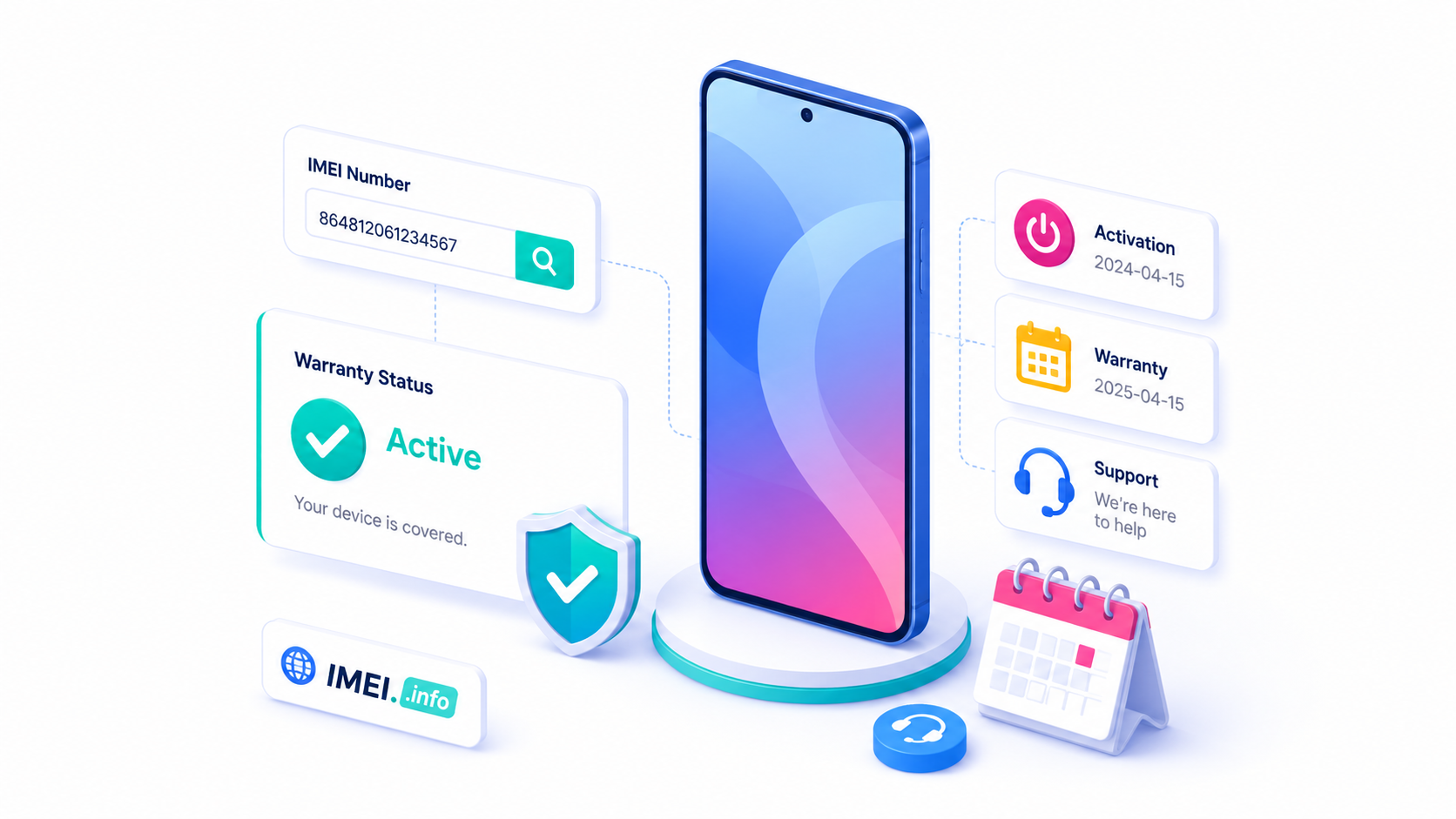
What Is XIAOMI Warranty Status?
Xiaomi warranty status shows whether a device may still be covered by the manufacturer’s warranty and can also provide information related to its activation.
This information can be especially important if you want to know whether the phone is still eligible for official service or support. It can also help you understand more about the history of the device before buying or selling it.
The check is performed using the IMEI number, which is a unique identifier assigned to every mobile phone.
When Should You Check XIAOMI Warranty Status?
There are several situations where checking Xiaomi warranty information can be helpful.
Buying a Used Xiaomi Phone
If you are planning to buy a second-hand Xiaomi smartphone, checking its warranty and activation status can give you more information about the device before you pay for it.
A phone that was activated much earlier than expected or no longer has warranty coverage may be worth checking more carefully.
Checking a Newly Purchased Device
If you have just bought a Xiaomi smartphone, you may want to confirm whether the activation and warranty information matches your expectations.
This can be particularly useful when buying from a third-party seller, marketplace, or unofficial retailer.
Preparing the Phone for Repair
Before contacting a service center, it is useful to know whether your Xiaomi phone may still be covered by warranty.
If the warranty is active, you may be able to use official repair or support options instead of paying for the entire service yourself.
Verifying Device Information
A Xiaomi IMEI check can also be useful when you simply want to verify that the device information associated with the IMEI matches the phone you own.
Why Is XIAOMI Warranty Status Important?
Warranty information can affect both the value and usability of a smartphone.
For the owner, active warranty coverage may mean access to official service and support if a hardware problem occurs.
For someone buying a used phone, warranty and activation details can help provide more transparency about the device’s history.
An expired warranty does not automatically mean that there is something wrong with the phone. However, it means that future repairs may no longer be covered by the manufacturer.
This is why checking the warranty status before buying a used Xiaomi device can help you make a more informed decision.
How to Find the IMEI Number on a XIAOMI Phone
Before running the warranty check, you need the device’s IMEI number.
The easiest methods include:
- Dial *#06# in the Phone app
- Open Settings and check the phone information section
- Look at the original smartphone box
- Check the device label or purchase documentation
Most Xiaomi smartphones have one IMEI number, while dual SIM models may have two IMEI numbers.
How to Check XIAOMI Warranty Status on IMEI.info
Checking the Xiaomi warranty status on IMEI.info is simple.
- Find the IMEI number of your Xiaomi smartphone.
- Open the IMEI.info website.
- Enter the IMEI number into the search field.
- Click Check IMEI.
- Confirm that the displayed device information matches your Xiaomi phone.
- Find the Xiaomi Warranty & Activation Status checker.
- Run the check and review the available warranty and activation information.
The result can help you understand the current support status of the device and provide additional information before purchasing, selling, or repairing the phone.
Final Thoughts
Checking Xiaomi warranty status is a quick way to learn more about your smartphone and its support eligibility. It can be useful when buying a used Xiaomi phone, verifying a newly purchased device, or preparing for repair.
With IMEI.info, you can use the phone’s IMEI number to access useful Xiaomi warranty and activation information in just a few steps. Performing an IMEI check before buying a second-hand smartphone can also help you avoid unexpected problems and make a more informed purchase decision.


Recent Comments