

Apple previewed iOS 27 at WWDC26 on June 8, 2026. The update is expected to arrive as a free software update this fall, with some features available earlier through developer and public beta testing.
Unlike small updates focused mainly on bug fixes, iOS 27 brings several major changes for everyday iPhone users. The biggest areas are Siri AI, Apple Intelligence, smarter apps, child safety features, performance improvements and design refinements.
Quick Answer
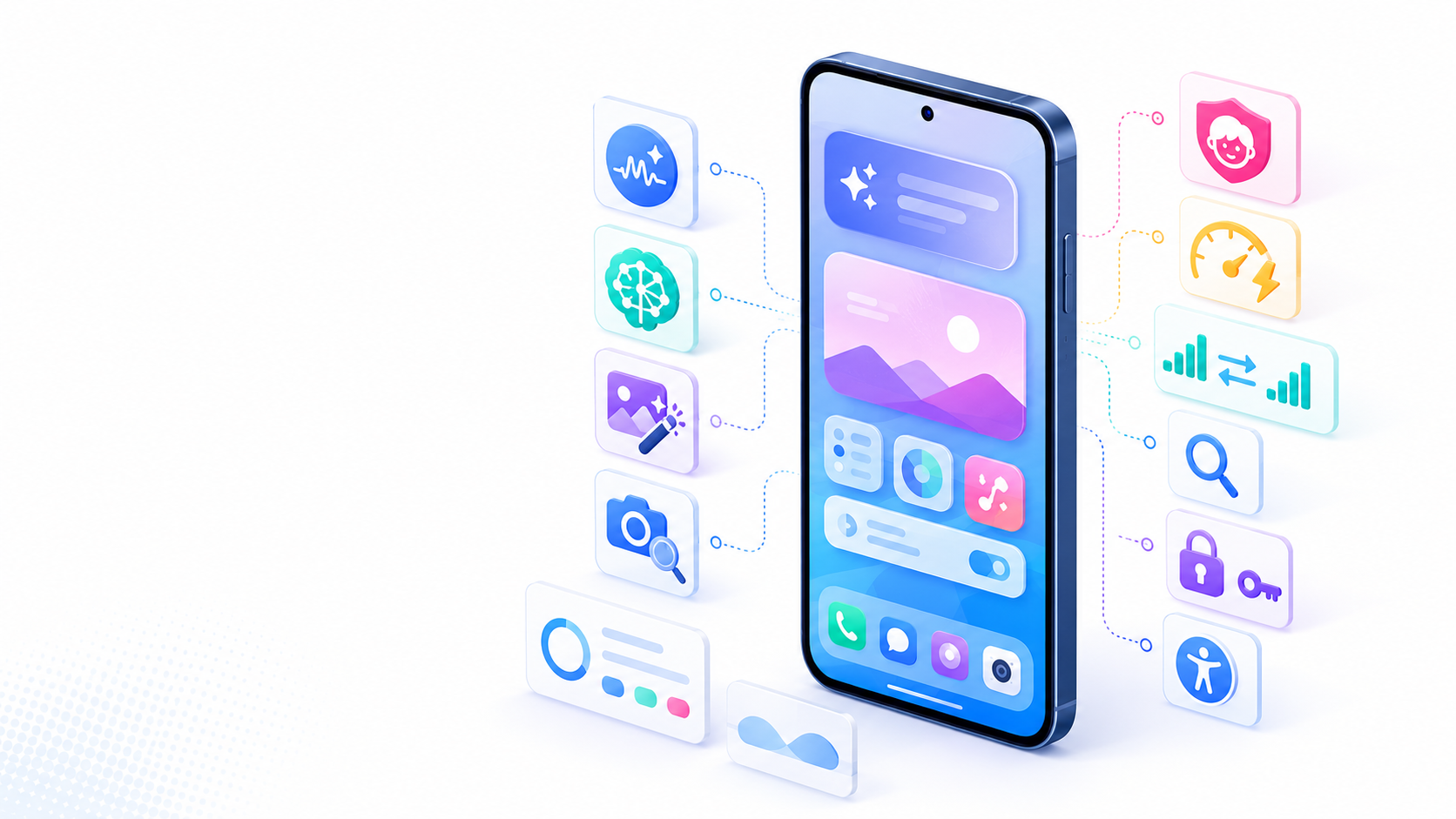
iOS 27 introduces a new Siri AI experience, more Apple Intelligence features across apps, smarter photo editing, Siri mode in Camera, stronger parental controls, faster performance, smoother network transitions and improvements to search, design and accessibility. Some features may depend on device, language or region.
Siri AI Becomes More Useful
One of the biggest changes in iOS 27 is Siri AI. Apple describes it as a new, more capable version of Siri powered by Apple Intelligence.
Siri AI is designed to understand more natural conversations, answer broader questions, use personal context and take actions across apps. For example, it can help find an old photo, locate information in Mail or Notes, understand what is on the screen and help complete tasks in apps like Messages, Music and Reminders.
Apple also introduces a dedicated Siri app, where users can revisit previous conversations or start new ones.
Apple Intelligence in Everyday Apps
iOS 27 brings Apple Intelligence deeper into daily iPhone use. Messages and Mail can offer smarter suggestions based on the context of a conversation. Safari can automatically organize tabs into topics and use Notify Me to monitor pages for changes, such as a price drop or product restock.
The Passwords app can also alert users about weak or compromised passwords and help update them more easily.
Smarter Photo and Camera Features
Photos get new AI editing tools. Apple mentions Spatial Reframing, an Extend tool and an upgraded Clean Up feature for removing larger objects from photos.
Camera also gains Siri mode, which lets users start a visual search directly from the viewfinder. This means you can point your iPhone at something and ask questions or get useful information based on what the camera sees.
Better Child Safety and Screen Time
iOS 27 adds new tools for parents and guardians. During setup, parents can choose which apps a child can use. Ask to Browse lets children request permission before opening new websites.
Communication Safety is also expanded. Apple says it can help protect children from nudity and now also intervene before children view gore or violent content in shared images and videos.
Screen Time becomes easier to manage, with Time Allowances, Schedules and a redesigned interface.
Faster and Smoother iPhone Experience
Apple says iOS 27 improves performance across the system. According to Apple’s testing, app launches can be up to 30% faster, new photos can load in the Photos library up to 70% faster, and AirDrop transfers can be up to 80% faster.
iOS 27 also improves Wi‑Fi and cellular switching, helping the iPhone stay connected more smoothly when moving between networks.
Design and Accessibility Improvements
iOS 27 refines Liquid Glass with better readability, improved contrast and a new slider that lets users adjust how transparent or tinted it looks. App icons are also sharper and more detailed.
Accessibility improves too, with richer VoiceOver image descriptions, automatic synced subtitles for videos and new tools in Magnifier.
Bottom Line
iOS 27 looks like a practical update focused on making the iPhone smarter, faster and easier to use. Siri AI and Apple Intelligence are the headline features, but many everyday users may notice the smaller improvements most: better search, faster performance, smarter Safari, stronger child safety tools and improved photo editing.
Sources:
Apple iOS 27 Preview
Apple Newsroom — WWDC26 software announcement


Recent Comments