

When checking an iPhone by IMEI or serial number, you may see confusing status terms such as Replaced or Replacement Device. They sound almost the same, but they do not usually mean the same thing.
Understanding the difference is important, especially if you are buying a used iPhone.
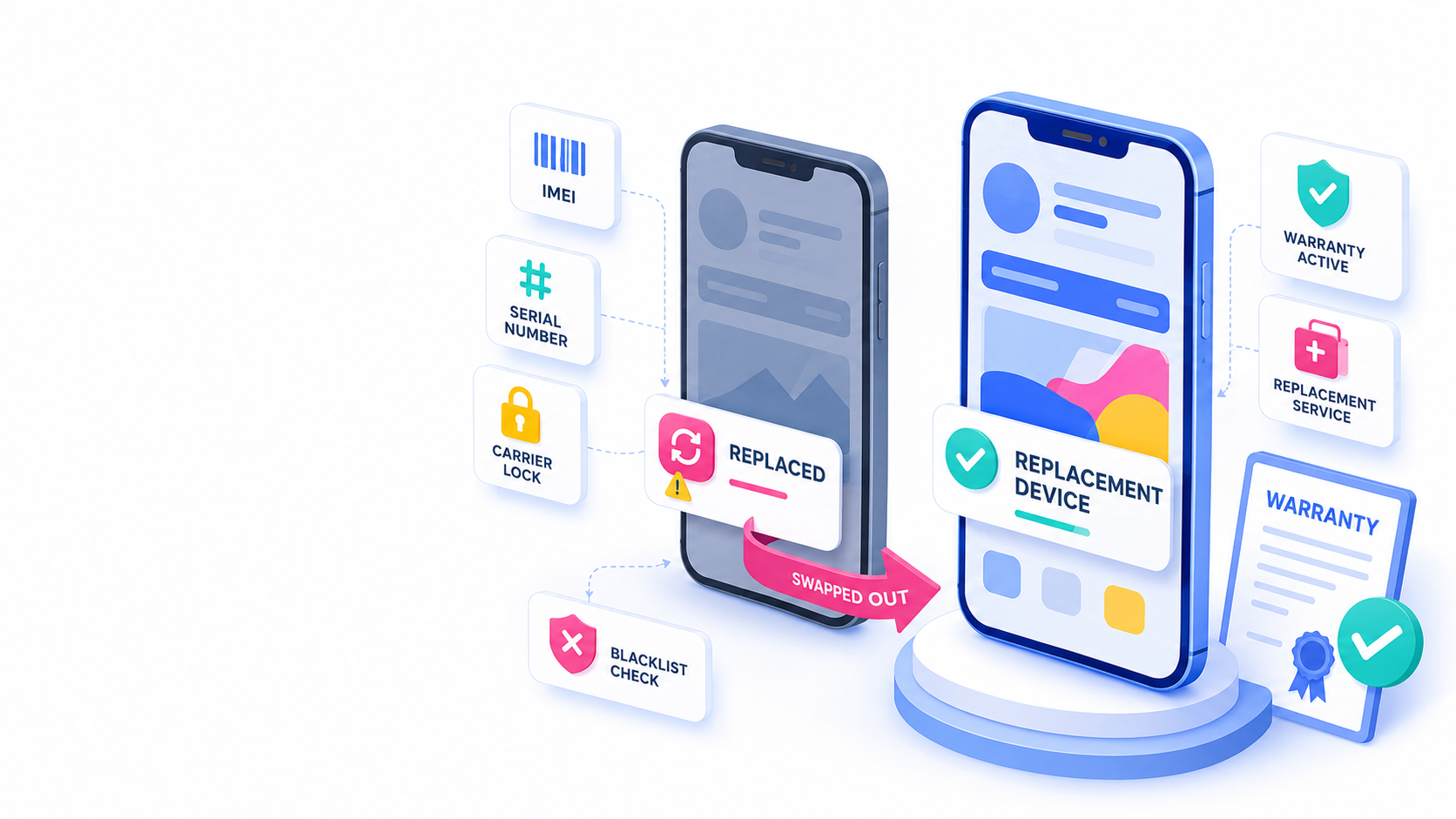
Quick Answer
Replaced usually means that the original iPhone was exchanged by Apple or through an Apple service process. This status often refers to the old device.
Replacement Device usually means that the iPhone itself was provided as a replacement unit. This status refers to the device you are checking now.
In simple terms: Replaced = the old iPhone was replaced. Replacement Device = this iPhone is the replacement unit.
What Does “Replaced” Mean?
If an iPhone check report shows Replaced, it may mean that this specific serial number or IMEI belongs to a device that was already replaced through Apple service, warranty, AppleCare, or another authorized process.
This can be a warning sign when buying a used iPhone. If the original device was replaced, it may not be treated as a normal active device anymore. In some cases, the replaced device may have been returned to Apple or linked to a service claim.
If a seller is offering an iPhone with a Replaced status, ask for a clear explanation and proof of ownership. Be especially careful if the price is unusually low.
What Does “Replacement Device” Mean?
A Replacement Device is different. It usually means the iPhone was issued as a replacement unit after a repair, warranty claim, AppleCare service, or device exchange.
This does not automatically mean the iPhone is bad. Apple says replacement equipment may contain new or previously used genuine Apple parts that have been tested and meet Apple functional requirements.
A replacement iPhone can be perfectly usable, but buyers should still check its condition, warranty, activation status, carrier lock and blacklist status.
Quick Comparison
- Replaced: The original iPhone was replaced.
- Replacement Device: This iPhone was issued as the replacement.
- Replaced: Can be a red flag in a used phone sale.
- Replacement Device: Not automatically a problem.
- Replaced: May refer to a device that should no longer be sold as a regular working iPhone.
- Replacement Device: May be a legitimate Apple service replacement.
- Replaced: Ask the seller for proof and be careful.
- Replacement Device: Check warranty, condition and device status before buying.
What Should You Check Before Buying?
Before buying an iPhone with either status, verify:
- IMEI and serial number,
- blacklist status,
- carrier lock status,
- warranty or AppleCare coverage,
- Activation Lock status during setup,
- battery health,
- physical condition,
- whether the box matches the actual device.
If the iPhone is a replacement device, the original box may not match the current IMEI or serial number. That is not always fraud, but the seller should be able to explain it.
Bottom Line
Replaced and Replacement Device are not the same status.
A Replaced iPhone may indicate that the original device was already exchanged and should be checked very carefully. A Replacement Device may simply be an Apple-issued replacement unit and can be safe to buy if all other checks are clean.
When buying a used iPhone, do not rely on one status alone. Always check the IMEI, warranty, carrier lock, blacklist status and Activation Lock before paying.


Recent Comments