

A smartphone does not become old overnight. In many cases, a phone starts to feel outdated because of small things that build up over time: poor battery care, too many unused apps, lack of updates, full storage, or simple physical damage.
The good news is that you do not need to treat your phone like a museum object. A few smart habits can help it stay useful, secure and reliable for much longer.
Here are seven simple habits that can extend the practical life of your smartphone.
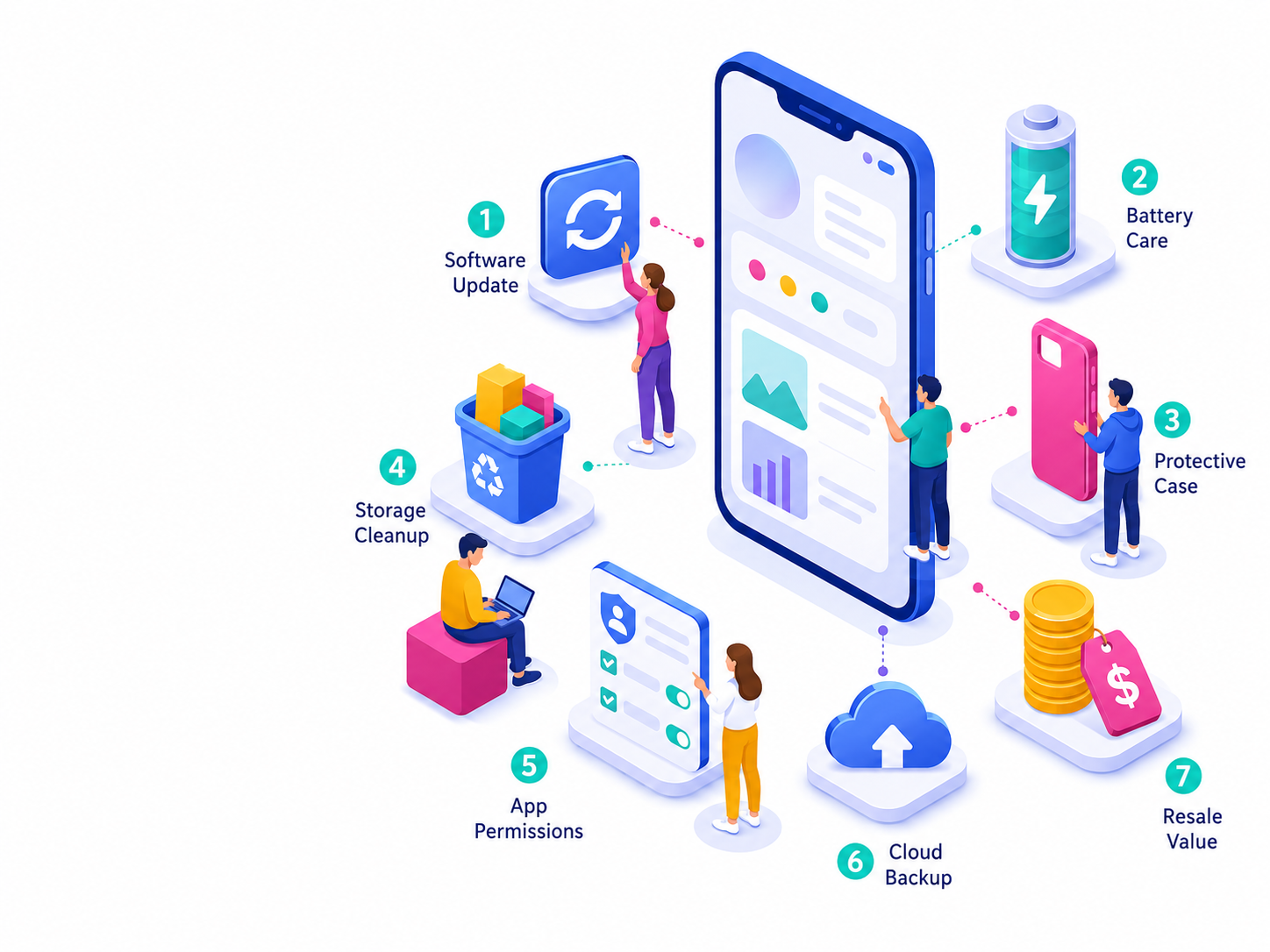
1. Keep Your Software Up to Date
Software updates are not only about new icons or design changes. They often include security patches, bug fixes, performance improvements and better compatibility with apps.
A phone that is not updated may still turn on and work, but it can become less secure and less reliable over time. Apps may stop supporting older system versions, and some features may not work as expected.
Make it a habit to check for system updates regularly. On iPhone, this is usually found under Settings > General > Software Update. On Android, the exact path depends on the brand, but it is usually under Settings > System > Software Update.
If your phone supports automatic updates, turning them on is usually a good idea.

2. Take Battery Health Seriously
The battery is one of the first parts of a smartphone that starts to show age. Over time, all rechargeable batteries lose some capacity. That is normal, but daily habits can speed up or slow down the process.
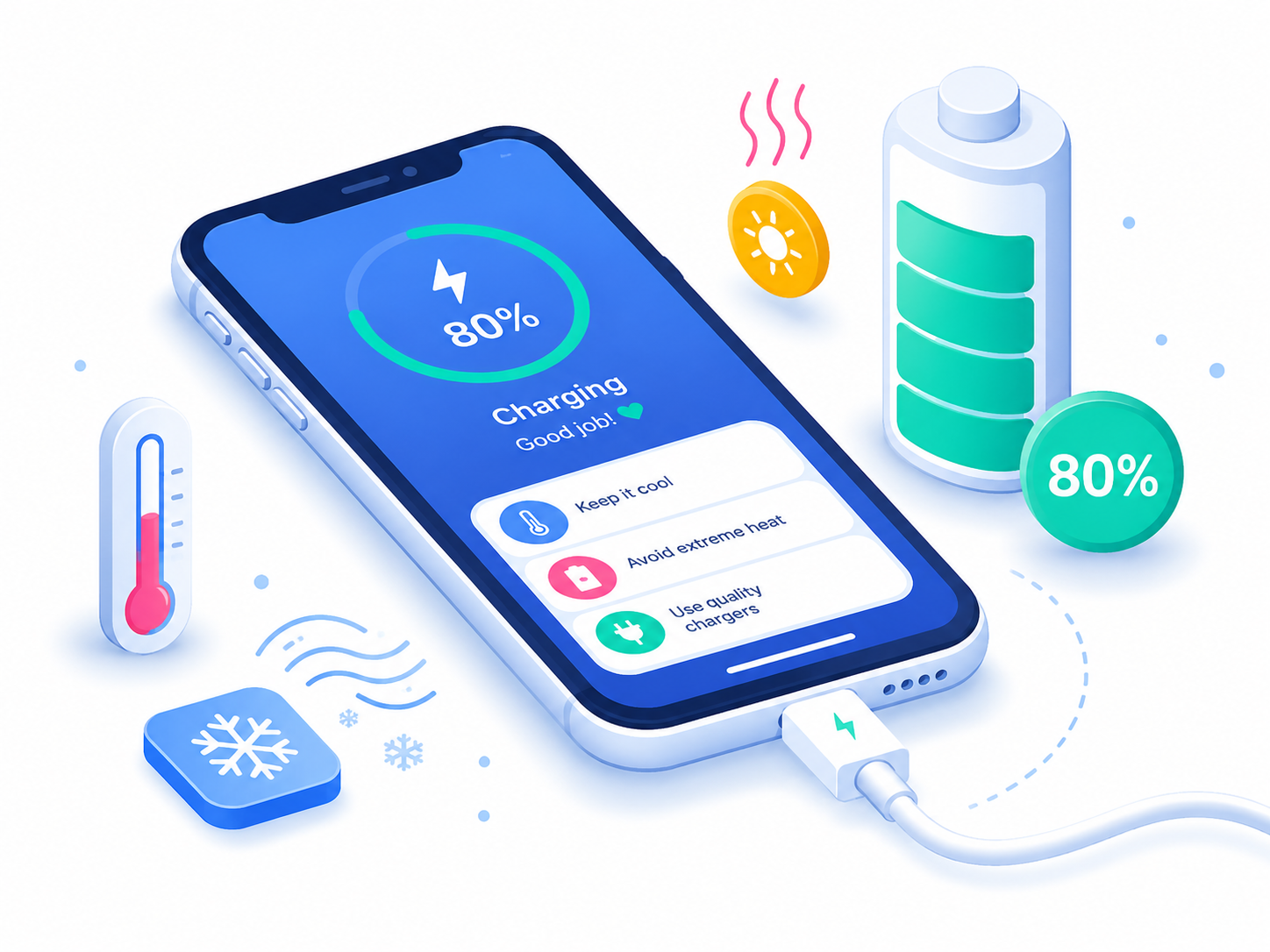
Heat is one of the biggest enemies of battery health. Avoid leaving your phone in direct sunlight, inside a hot car, or under a pillow while charging. If your phone becomes very hot, remove the case and let it cool down.
Many modern phones also include battery protection features, such as optimized charging, adaptive charging, or an 80% charging limit. These features are designed to reduce the time your phone spends fully charged, which can help battery health in the long run.
You do not need to drain your phone to 0% before charging it. Modern smartphones do not require that kind of “training.”
3. Protect It Before It Falls
Most people buy a case after the first serious scratch. It is better to do it before.
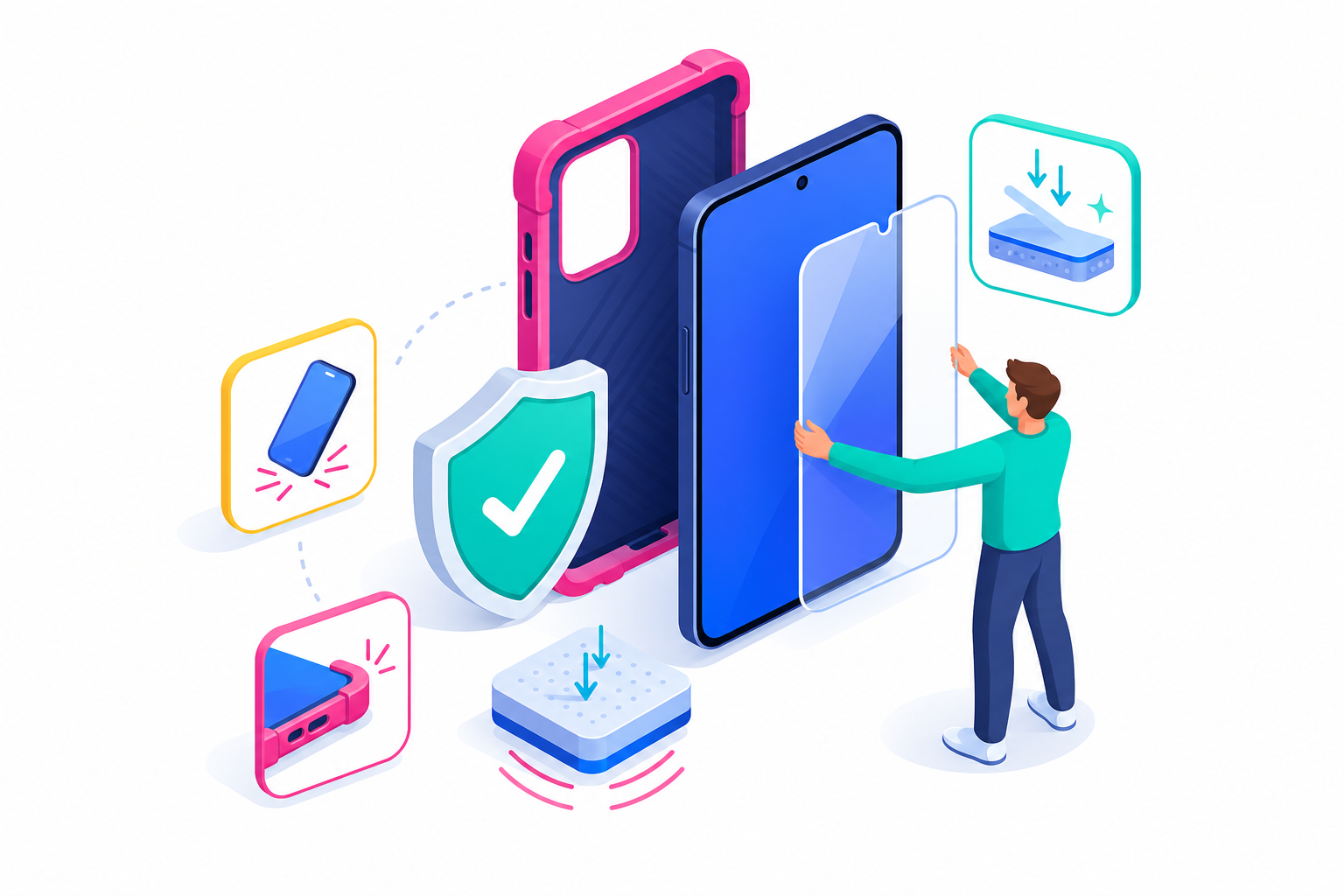
A good case and a quality screen protector can prevent expensive repairs and keep the phone looking newer for longer. This matters not only for daily use, but also for resale value.
Water resistance is useful, but it is not a guarantee. Seals can weaken over time, and liquid damage is still one of the most common reasons phones fail. Avoid charging a wet phone and be careful around pools, bathrooms and beaches.
Small protection habits can save a phone from becoming “almost perfect, except for the cracked screen.”
4. Keep Enough Free Storage
A full phone often feels like a slow phone. When storage is nearly full, the system has less room for updates, temporary files, app data and media processing.
Delete apps you no longer use. Move old photos and videos to cloud storage or an external backup. Clear large downloads, old chat attachments and duplicate files.
You do not need to keep your phone empty, but leaving some free space helps it work more comfortably. It also makes software updates easier, because large updates often require extra temporary storage during installation.

5. Review Apps and Permissions
Apps can affect battery life, privacy, storage and performance. Over time, many people collect apps they no longer need.
Once in a while, review your installed apps. If you have not used an app in months, remove it. If you still need it, check whether it really needs access to your location, camera, microphone, contacts or photos.
Also pay attention to apps that run in the background. Some social, shopping, navigation and streaming apps may use battery or data even when you are not actively using them.
A cleaner app list usually means a cleaner, faster and more private phone.

6. Back Up Your Data Regularly
A phone is useful because of what is inside it: photos, messages, contacts, notes, documents, passwords and app data. If those are not backed up, one accident can turn a minor device problem into a major personal problem.
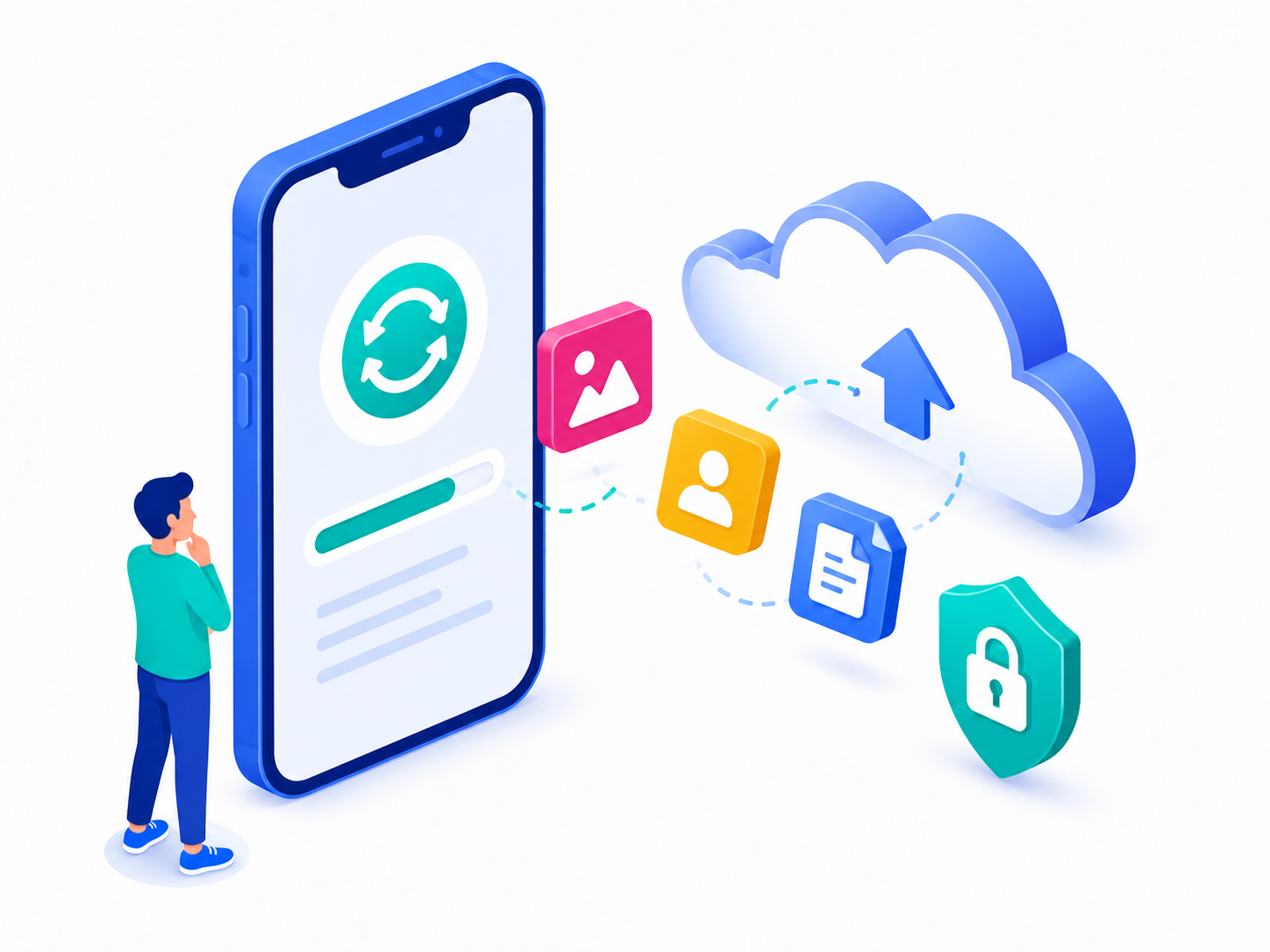
Use iCloud, Google backup, or another trusted backup method. Make sure your photos, contacts and important files are included. Also check that you know the password to your Apple ID or Google account.
Backups are especially important before repairs, factory resets, trade-ins or selling the device.
A phone with a broken screen can often be repaired. Lost data is much harder to recover.
7. Think About Resale Value Early
Even if you are not planning to sell your phone today, it is smart to treat it like something that may have a second life later.
Keep the original box if possible. Save purchase documents. Avoid unofficial repairs when you can. Keep the phone clean and avoid deep scratches or dents.
Before selling, trading in, or buying a used phone, check its basic device information. This includes the model, storage capacity, serial number and IMEI. These details help confirm what the phone is and whether it may have any network-related issues.
A well-maintained phone is easier to sell, easier to trade in and more attractive to a second owner.
Bottom Line
Keeping a smartphone useful for longer is not about one big trick. It is about small habits repeated over time.
Update the software. Protect the battery. Use a case. Keep storage under control. Remove unused apps. Back up your data. Take care of the phone’s resale condition.
Do these things consistently, and your smartphone can stay fast, secure and valuable for years — not just until the next model is released.


Recent Comments