

Losing a smartphone is stressful. Having it stolen is even worse. Your phone is not just a device — it may contain photos, messages, banking apps, passwords, emails, payment cards and access to your online accounts.
The best time to protect your phone is before anything happens. A few settings can make it much harder for someone to access your data, turn off tracking or take over your accounts.
Quick Answer
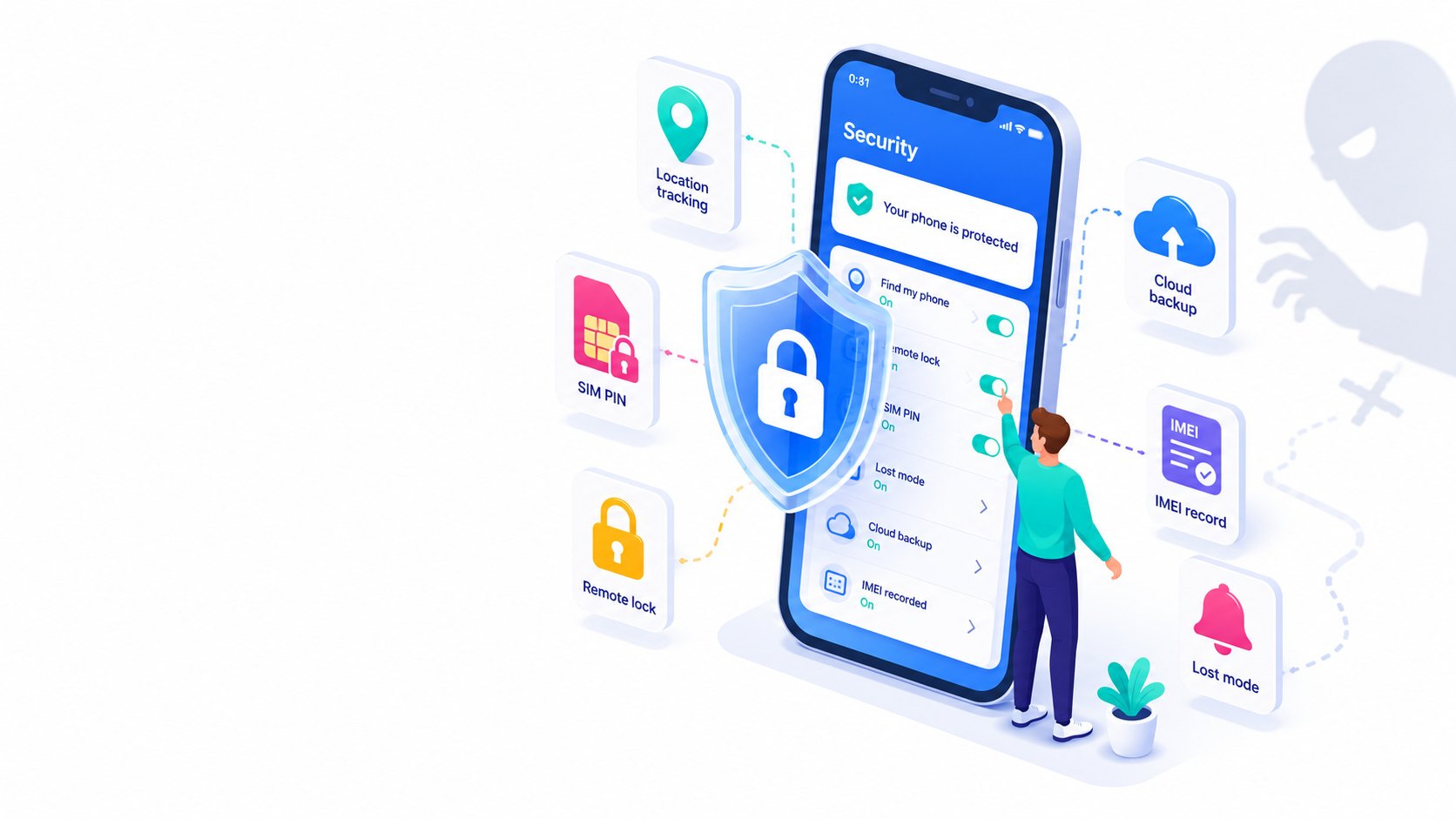
Before your phone is lost or stolen, turn on a strong screen lock, biometric authentication, Find My or Find Hub, theft protection features, cloud backup and SIM protection. You should also save your IMEI and serial number in a safe place in case your carrier or law enforcement asks for them.
Use a Strong Screen Lock
A weak passcode can make phone theft much more dangerous. Use a strong PIN, password, Face ID, Touch ID, fingerprint unlock or face unlock.
Biometrics are convenient, but your phone still needs a strong backup passcode. Avoid simple codes like 1234, 0000 or your birth year.
Turn On Find My or Find Hub
On iPhone, make sure Find My is enabled. It can help you locate your device, mark it as lost or erase it remotely if needed.
On Android, Google’s Find Hub can help you find, secure or erase a lost device. According to Google, Find Hub is automatically turned on when a Google Account is added to an Android device, but it is still smart to check your settings before you need it.
Enable Theft Protection Features
Modern smartphones include extra protections designed specifically for theft situations.
On iPhone, Apple’s Stolen Device Protection adds extra security when the device is away from familiar locations. Some sensitive actions may require Face ID or Touch ID, and certain account changes may include a security delay.
On Android, Theft Detection Lock can use AI and device sensors to detect a possible theft and automatically lock the screen. Android also offers features such as Offline Device Lock, Remote Lock and Identity Check on supported devices.
Availability can depend on your phone model, Android version, region and settings, so it is worth checking before you rely on these features.
Protect Your SIM or eSIM
If someone can use your phone number, they may try to receive verification codes or access accounts. A SIM PIN can help prevent your physical SIM card from being used in another phone.
An eSIM can also be useful because it cannot be removed as easily as a physical SIM card. However, you should still protect your account, phone number and carrier login.
Back Up Your Data
Theft protection is not only about recovering the phone. It is also about protecting your photos, contacts, documents and messages.
Turn on iCloud Backup, Google backup or another trusted backup method. If you ever need to erase the phone remotely, a recent backup can make recovery much easier.
Save Your IMEI and Serial Number
Your phone has unique identifiers, including an IMEI and a serial number. These can be useful when contacting your carrier, reporting a stolen phone or verifying device details.
You can usually find the IMEI in the phone settings, on the original box, or by dialing *#06#. Save it somewhere safe before the phone goes missing.
What to Do If Your Phone Is Stolen
If your phone is stolen, act quickly:
- Lock or mark the device as lost using Find My or Find Hub.
- Change important passwords, especially email, banking and cloud accounts.
- Contact your carrier to protect your number and service.
- Report the theft if necessary.
- Provide the IMEI or serial number if your carrier or law enforcement asks for it.
- Remotely erase the device if you believe recovery is unlikely.
Bottom Line
Phone theft protection works best when it is set up in advance. A strong lock screen, tracking tools, theft protection settings, backups, SIM security and saved device identifiers can make a stolen phone much less damaging.
You may not be able to prevent every theft, but you can make sure your data, accounts and phone number are much harder to misuse.


Recent Comments