

Open your phone’s settings or look at its original box, and you will probably find both an IMEI and a serial number.
They may look similar, but they serve different purposes. One identifies the phone on mobile networks, while the other helps the manufacturer identify the individual product.
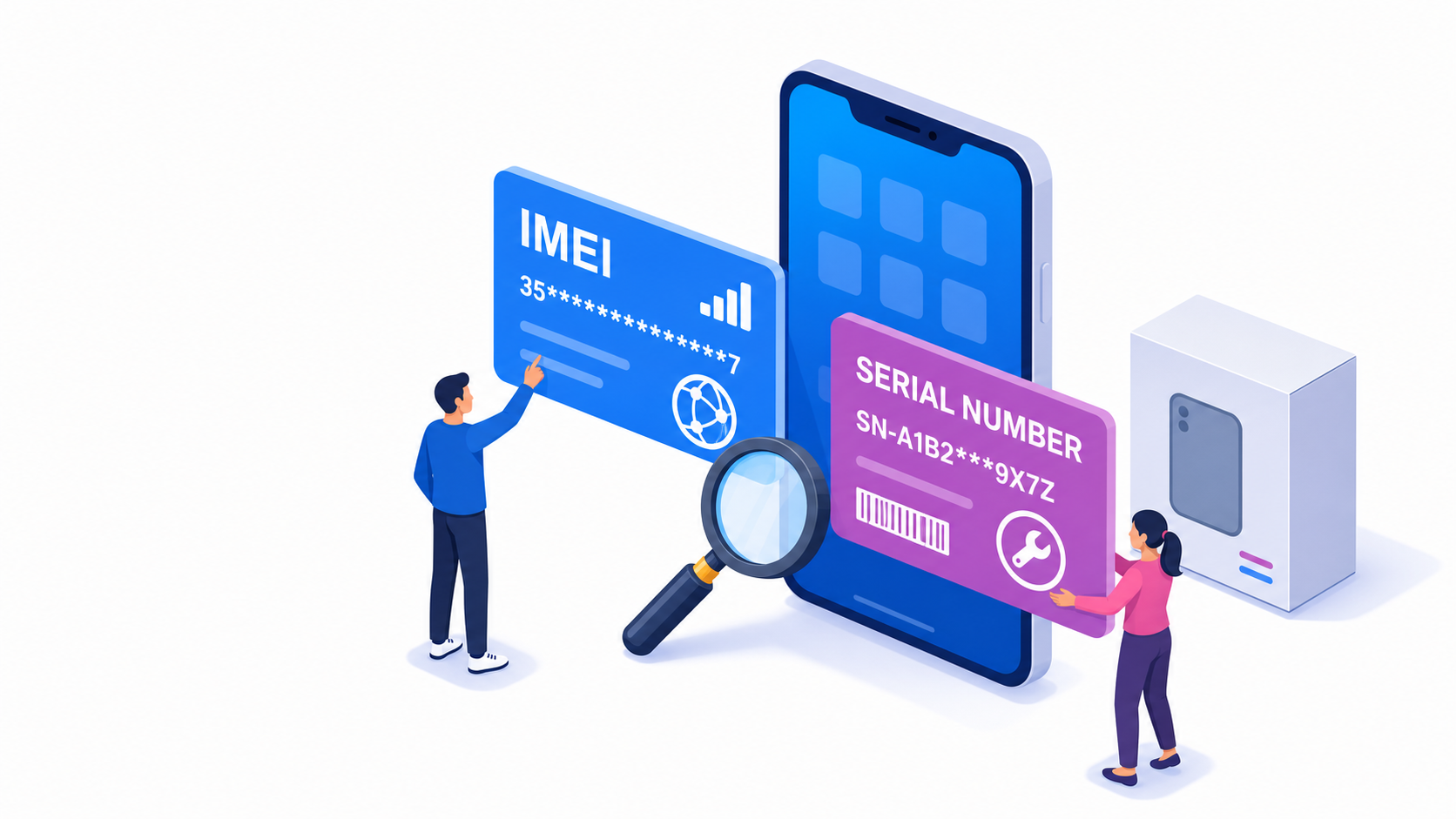
What Is an IMEI Number?
IMEI stands for International Mobile Equipment Identity – a 15-digit identifier used for a device on a mobile network.
Carriers use it to recognize mobile equipment and manage access to their networks. If a phone is reported lost or stolen, its IMEI may be added to a blacklist.
An IMEI check procedure can provide information such as:
- Phone brand and model
- Blacklist status
- Original carrier
- SIM-lock information
- Selected warranty or activation details
Dual-SIM phones may have IMEI 1 and IMEI 2, because each mobile connection requires its own identifier.
The IMEI identifies the equipment. It is not your phone number and is not stored on your SIM card.
What Is a Serial Number?
A serial number is assigned by the device manufacturer.
Manufacturers use it to distinguish one individual product from another during:
- Production and inventory management
- Warranty verification
- Repairs and replacements
- Customer support
- Product registration
Unlike an IMEI, a serial number does not have one universal format. It may contain numbers, letters or both, depending on the manufacturer.
Products without cellular connectivity can still have serial numbers. For example, a Wi-Fi-only tablet may have a serial number but no IMEI.
Are the IMEI and Serial Number Interchangeable?
No. They normally refer to the same physical device but belong to different identification systems.
A mobile carrier will usually need the IMEI to check network compatibility or blacklist status. A manufacturer may ask for the serial number when checking warranty coverage or arranging a repair.
In some support situations, either identifier may help locate a device record. However, one should not be treated as a replacement for the other.
Which Number Should You Use?
Use the IMEI when you want to:
- Check whether a phone is blacklisted
- Identify its original carrier
- Verify the model before buying it
- Check selected SIM-lock or activation information
- Confirm network compatibility
Use the Serial Number when you want to:
- Contact the manufacturer
- Check warranty coverage
- Arrange a repair
- Register a product
- Review its service history
When buying a used phone, checking the IMEI should be one of your first steps.
Where Can You Find Them?
On most smartphones, both identifiers are available in Settings.
On iPhone
Open Settings → General → About
Apple also provides an Official Guide explaining where to find the IMEI and serial number on different devices.
On Android
Open Settings → About phone
The exact menu name may vary by manufacturer.
You can also dial *#06# to display the IMEI. This code normally does not show the serial number.
Both identifiers may also appear on the original packaging, receipt or manufacturer account.
Should You Share These Numbers?
Only provide an IMEI or serial number when there is a clear reason.
Sharing an IMEI privately with a potential buyer or entering it into a trusted checker is normal. However, avoid publishing complete device identifiers in public listings, screenshots or social media posts.
The Bottom Line
The difference is simple:
- IMEI identifies your phone on mobile networks.
- The serial number identifies it in the manufacturer’s system.
If you are checking a used phone, start with its IMEI. Enter the 15-digit number into IMEI.net to verify that the information matches the device.


Recent Comments