

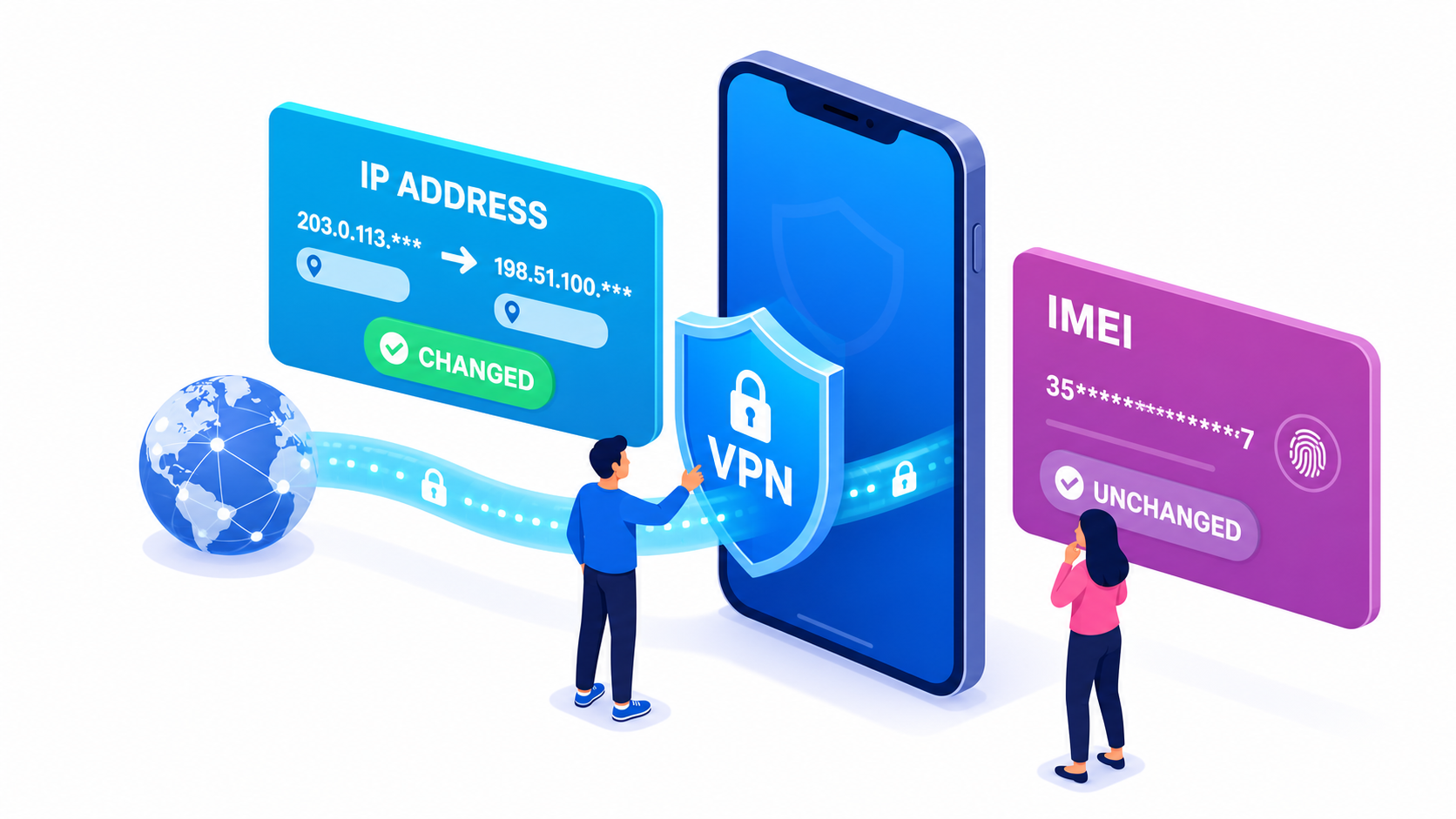
A VPN can hide your IP address, encrypt internet traffic and make websites think you are connecting from another location.
But can it also hide or change your phone’s IMEI?
The short answer is no. A VPN does not change your IMEI and does not hide it from your mobile carrier.
What Is an IMEI?
IMEI stands for International Mobile Equipment Identity. It is the unique 15-digit number used to identify a mobile device on cellular networks.
The IMEI allows mobile networks to identify individual devices and check their status.
Carriers may use it to:
- Identify the phone model
- Confirm network compatibility
- Check whether a device is blocked
- Add lost or stolen phones to a blacklist
- Associate a device with an active mobile subscription
The IMEI is assigned to the phone itself. It is not your IP address, phone number or SIM card number.
What Does a VPN Change?
A VPN creates a protected connection between your device and a VPN server.
When the VPN is active, websites generally see the IP address of the VPN server instead of your normal public IP address. Google’s VPN documentation, for example, explains that a VPN can replace the user’s real IP address and change their IP-based location.
A VPN may help protect:
- Internet traffic on public Wi-Fi
- Your public IP address
- Your approximate IP-based location
- Browsing activity from local network observers
However, none of these functions modifies the device’s IMEI.
Why Can’t a VPN Hide the IMEI?
The IMEI and a VPN operate at different levels.
Your phone sends its IMEI to the mobile network when establishing a cellular connection. The VPN tunnel is created later, after the device already has network access.
In simple terms:
- The IMEI identifies the physical device to the carrier.
- The VPN changes how internet traffic travels from the device.
Wrapping internet traffic in a VPN tunnel does not replace the phone’s hardware identity.
Can Your Carrier See the IMEI When You Use a VPN?
Yes. A mobile carrier can still identify the device connected to its network.
The carrier needs the IMEI to provide cellular access and determine whether the phone is allowed on the network.
A VPN may prevent the carrier from easily inspecting the contents of encrypted internet traffic, but it does not make the device anonymous to the carrier.
Can a VPN Unlock a Blacklisted Phone?
No.
If a carrier blocks a phone’s IMEI, the restriction is applied at the cellular-network level. The device may be denied network access before it can establish a working VPN connection.
Changing the VPN server, IP address or SIM card will not remove an IMEI blacklist entry.
If you are unsure about a device, run an IMEI check before buying or activating it.
How Can You Test It?
You can perform a simple test:
- Dial *#06# and write down the displayed IMEI.
- Check your public IP address.
- Connect to a VPN.
- Check the public IP address again.
- Dial *#06# once more.
The IP address may change. The IMEI will remain exactly the same.
What a VPN Does Not Automatically Hide
A VPN alone does not hide:
- Your IMEI from the carrier
- Your phone number from the carrier
- GPS location shared with permitted apps
- Accounts you sign in to
- Cookies stored in your browser
- A device’s blacklist status
A VPN is a privacy tool, not a complete anonymity system.
The Bottom Line
A VPN can hide or replace your public IP address, but it cannot hide or change your IMEI.
Your IMEI continues to identify the phone on cellular networks, while the VPN protects and redirects internet traffic.
To verify your device information, enter the number into the IMEI.net checker.


Recent Comments