

Before handing an Apple Watch to an older family member, take a few minutes to review its safety settings. Our video walks through five features that help make emergency tools easier to access and keep important information ready.
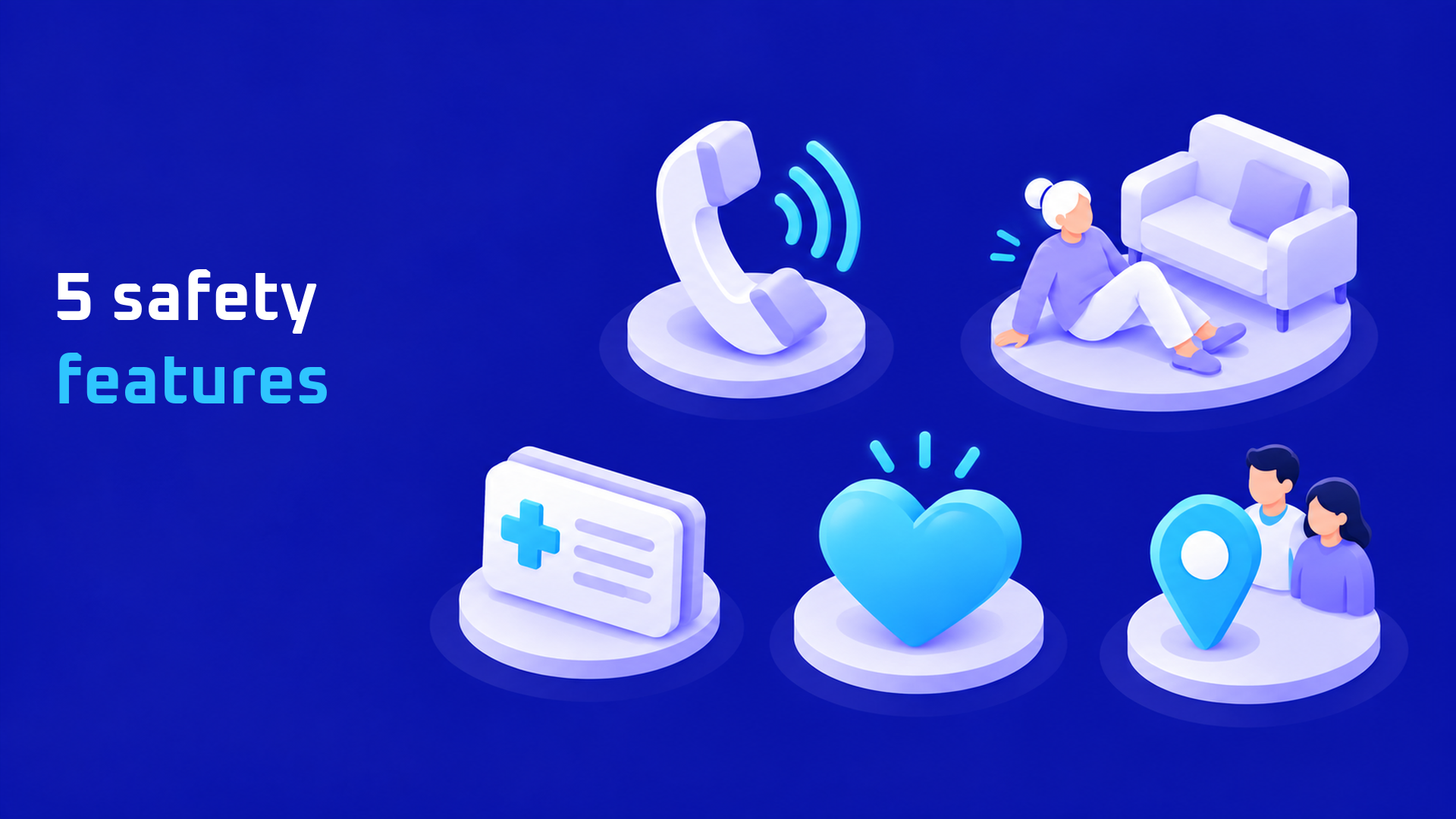
1. Emergency SOS
Review Settings > SOS > Hold Side Button. Pressing and holding the side button opens the emergency menu; continuing to hold it can start a countdown and call emergency services when automatic dialing is enabled. Explain the controls without placing a test emergency call. Apple’s Emergency SOS guide.
2. Fall Detection
Enable Fall Detection and select Always On for coverage beyond workouts. If the watch detects a hard fall and the wearer remains immobile for about a minute, it can start a countdown and attempt an emergency call. It cannot detect every fall. Apple’s Fall Detection guide.
3. Medical ID and Emergency Contacts
Add accurate medications, allergies, medical conditions and emergency contacts to Medical ID. Enable Show When Locked so someone helping the wearer can access this information from the emergency screen. Review it whenever health details or contact numbers change. Apple’s Medical ID guide.
4. Heart Notifications
In the iPhone’s Watch app, review high and low heart rate notifications and, where available, irregular rhythm notifications. These alerts are not a diagnosis, and the watch cannot detect a heart attack. Do not copy example BPM values from a tutorial as personal medical recommendations. Apple’s heart notification guide.
5. Check In
Open Messages, choose a trusted contact, tap + > Check In, then edit the check-in type. The video demonstrates After a Timer and adjusting its duration. With a timer-based Check In, the contact is notified if the wearer does not end it before the specified time. The demonstration covers configuration, rather than a successful send. Apple’s Check In guide.
Watch the Step-by-Step Tutorial
Follow our video to see the menus and settings in action.
Finally, walk through the controls together and keep the watch charged. Feature availability and connectivity requirements vary by model, software and region, so review the settings on the actual device.


Recent Comments